
A Home Assistant community member posted a public beta blueprint for the IKEA BILRESA dual-button Matter remote. It is an independent project under the MIT license, not an official IKEA or Home Assistant integration. We ran it on our test Home Assistant with a simulated remote (no real BILRESA, so no firmware behaviour was tested); everything else below comes from the author’s own write-up on the Blueprints Exchange thread.
What the blueprint does
Two buttons give twelve gesture slots:
- Button 1: single, double, triple click, and hold.
- Button 2: the same four.
- Both buttons together: short press, double click, triple click, and hold.
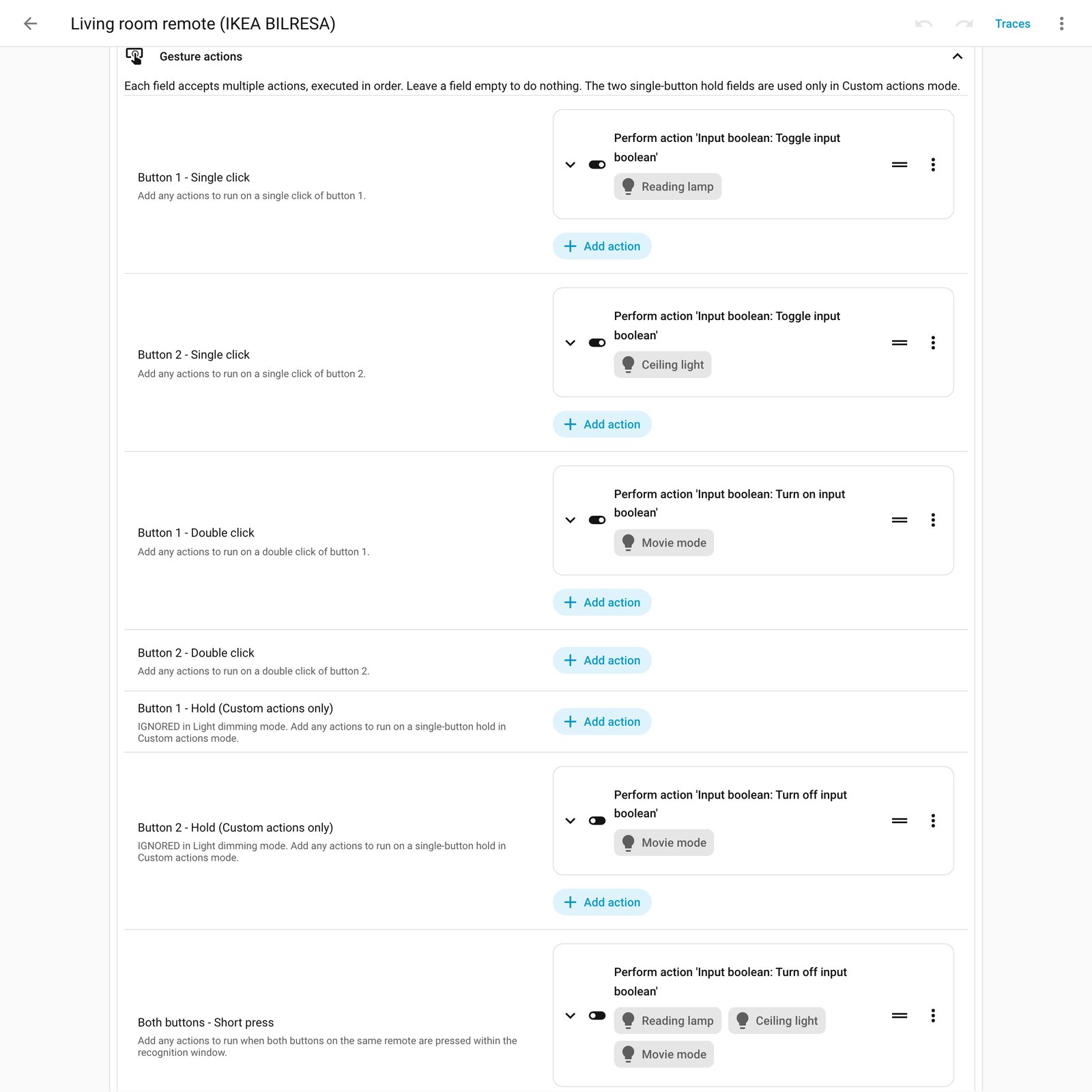
Each slot takes a full Home Assistant action sequence, so one gesture can run scenes, scripts, covers, plugs or several steps with conditions and delays. Empty slots do nothing.
For the holds you pick one of two modes. Custom actions lets you assign both holds freely. Light dimming turns Button 1 hold into brighten and Button 2 hold into dim for one selected light, with an adjustable ramp (1 to 10 seconds), latency compensation and release transition. In dimming mode the two custom hold slots are ignored.
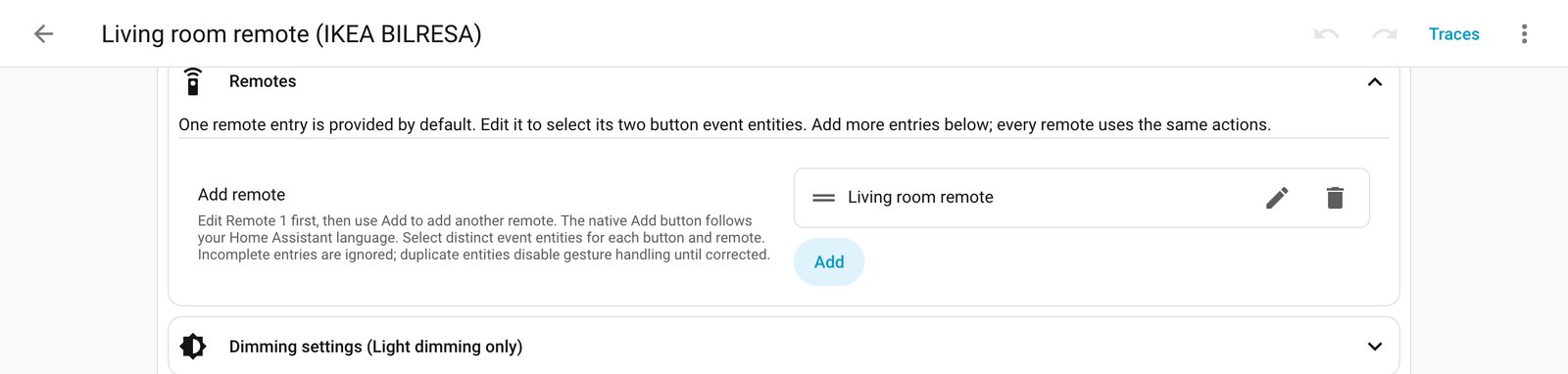
You can add more remotes to one automation, but they share the same assignments. Use separate automations if different rooms need different behaviour. Both-button gestures only match buttons on the same remote. The recognition window defaults to 250 ms and can be tuned from 100 to 1500 ms.
The triple-click catch
This is the part to read carefully. The author says BILRESA firmware 1.9.15 does not expose rapid triple clicks as a normal triple-click event. A separate companion integration, OSAZEE BILRESA, installed through HACS as a custom repository, picks up a Matter aborted-multipress signal instead. That detects at least three quick clicks, so four or more may fire the same action. The author labels rapid triple-click recognition experimental.
The blueprint and the companion are separate installs. Importing one does not install or update the other. Normal clicks, holds and combined double clicks do not need the companion. It does not support the scroll-wheel BILRESA, ZHA or Zigbee2MQTT.
What to check before you try it
- Version: it requires Home Assistant Core 2026.8.0 or newer.
- Pairing: the remote must be the dual-button model paired through Matter, with two enabled native button event entities.
- Single execution mode: new gestures are ignored while an action sequence or dimming run is active. Keep sequences short if you want it to feel responsive.
- Overlap: other automations listening to the same remote can still conflict. Don’t double-assign gestures.
- Timing: the remote adds its own reporting delay, so expect to tune the window.
- Firmware: note your remote’s firmware before updating it. The triple-click workaround is tied to 1.9.15 behaviour, and we don’t know how other versions behave.
The author says the project passes 45 automated tests plus HACS validation, but that does not replace testing on real remotes, and wider testing across firmware versions is still wanted. Treat it as a beta: try it on a non-critical room first.
What it means for an installed system
For clients, a cheap two-button remote that can do twelve things is appealing, but we would only promise the basics: clicks, holds and dimming. Tell anyone who wants reliable triple clicks that it currently depends on an experimental add-on.
It also shows a strength of Matter remotes: they appear as native Home Assistant entities without re-pairing or a separate hub. The companion uses the existing Home Assistant Matter client and needs no extra credentials or Matter server patch, according to the author. If you run Zigbee remotes today, nothing here is a reason to replace them. Working Zigbee gear should stay until it dies. Matter is the industry’s direction and suits new purchases where cross-ecosystem use matters.
The author asks testers to report their Home Assistant version, remote firmware, the gesture tested, expected versus actual behaviour, and whether the companion’s diagnostics counter moved. Redact identifiers first. The blueprint can be loaded through its import link, and the optional companion has its own HACS link.