
A Home Assistant community member has shared Light Alerts, a small project that turns the lights in one room into an alert display people can read from outside the window. It is one script, a dashboard card, and a one-page printable chart that explains the colors. The code is on GitHub under the MIT license, and the author described it in a Share your Projects post.
What it does
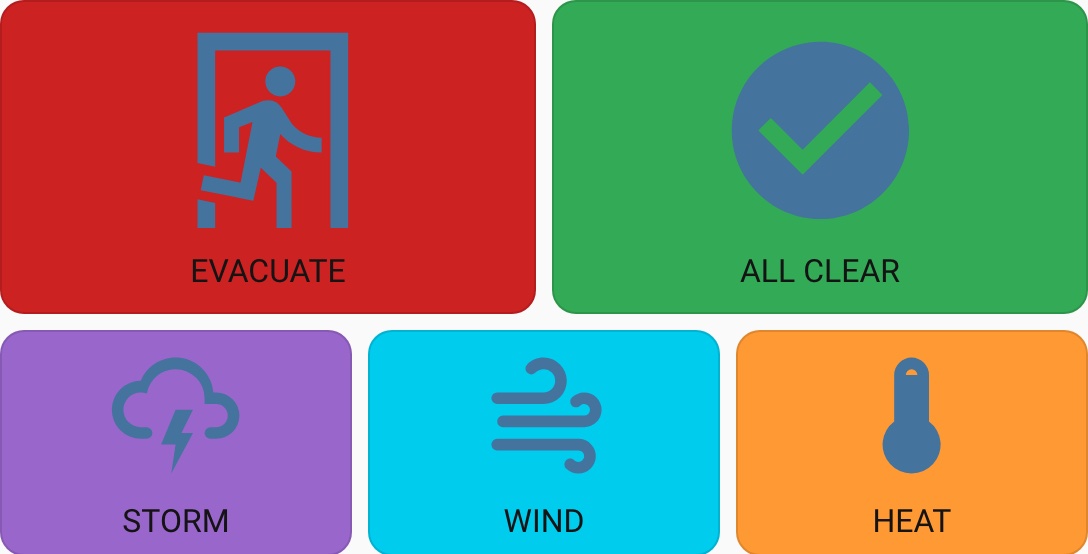
- Flashing red: evacuate, and it also sends a critical phone notification
- Solid purple: storm, take shelter
- Solid cyan: high wind
- Solid orange: extreme heat
- Solid green, then white: all clear, which also cancels any running alert
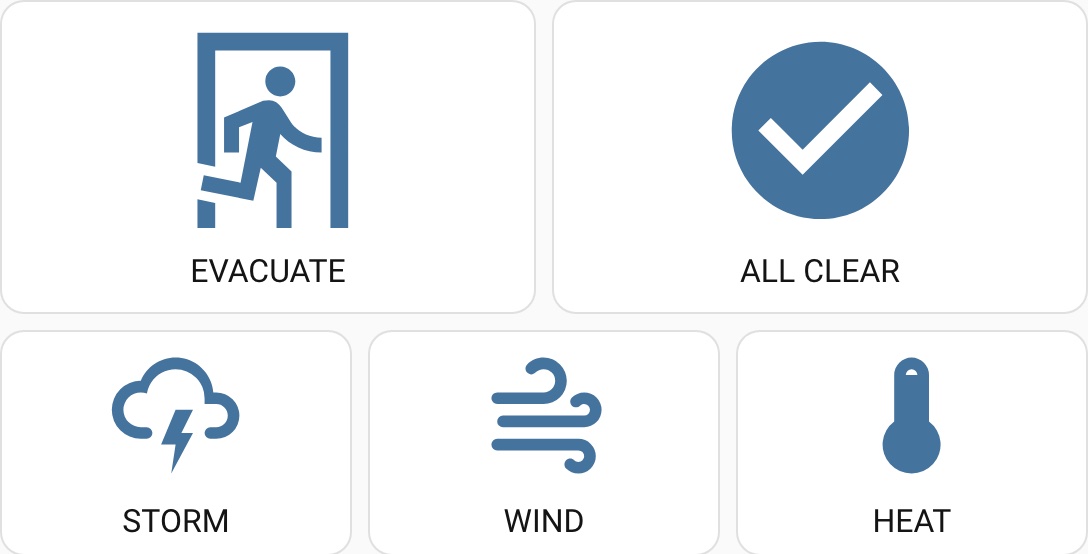
You trigger it from dashboard buttons (evacuate asks for confirmation) or call the script from your own automations, for example when a weather alert sensor goes active. The chart prints at 8.5 x 11 with text sized to read from 15 to 20 feet. Modes and colors can be changed, and the README walks through adding your own, such as wildfire smoke or freeze.
What the author learned
The useful part is the list of problems they hit:
- Yellow and orange look the same on RGB bulbs, so wind moved to cyan.
- Separate bulbs get separate commands and flash out of step. Grouping them (a ZHA group or a light group helper) fixed most of it.
- Not every bulb honors a transition time of 0. One bulb from another brand ignored it.
- The script runs in restart mode so All Clear stops a flash immediately.
What it means for an installed system
This needs Home Assistant 2024.8 or newer and one or more RGB lights. The README says Zigbee, Z-Wave, Wi-Fi and other integrations all work, but the author says they built and tested it with Zigbee RGB bulbs on ZHA. We have not tried it, so treat other setups as unconfirmed until you test.
Before you rely on it:
- Group the bulbs first. A Zigbee group sends one command, which is what keeps the flash in step. Zigbee is the more mature option in Home Assistant, fully local and low power, so existing Zigbee bulbs are a good fit and need no replacing.
- Check your bulbs’ colors. The README warns that many bulbs shift colors, with orange often looking yellow and blue looking purple. Look at each color from across the room and from outside.
- Check the notify service name. The evacuation alert needs the Companion app on a phone, and the service name has to match yours.
- Test quietly. Close the blinds, shorten the flash time and remove the critical alert block while testing, then put them back.
Safety limits
The author is clear that this is a convenience display, not a replacement for official alerts. Keep Wireless Emergency Alerts on, use a NOAA weather radio, and follow local authorities. Power cuts, Wi-Fi or Zigbee trouble and Home Assistant restarts can all stop the lights from working, and a display that depends on the lights being powered is exactly what fails in a storm.
The flash runs at about one per second, below the commonly cited photosensitivity threshold of three per second. The README asks you not to speed it up and to tell photosensitive household members first. Only evacuate flashes, since red/green and orange/yellow are hard for many people to tell apart.
It is a young project with no stars or forks yet and three commits, so expect rough edges. For a weekend setup with grouped bulbs it is a cheap, readable extra layer, as long as it stays an extra layer.