
A community developer has shared NeonPlan 3D, a custom integration that lets you draw your house inside Home Assistant and then control it from a live 3D view. It is aimed at wall tablets and dashboards. Here is what it does, what it costs, and what we would check before putting it on a working system.
What it does
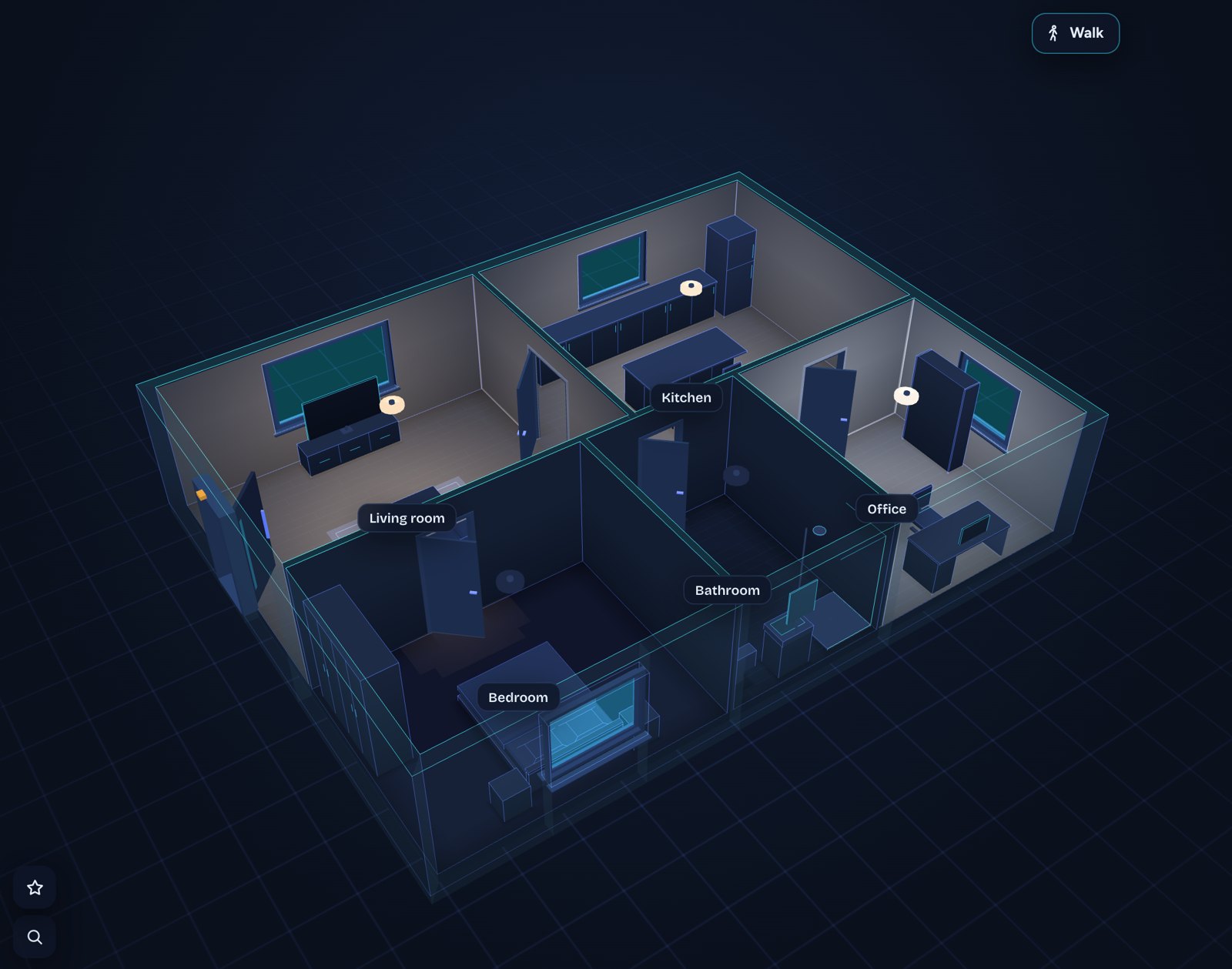
You build the plan in a built-in editor: floors, rooms (rectangles or free shapes), walls, doors, windows, stairs, furniture and a roof. Rooms are linked to your Home Assistant areas, and the lights, covers, sensors and devices in each area are found automatically. According to the project page, it runs as a sidebar panel or as a dashboard card (custom:neonplan3d-card).
- Lights glow in their real colour and brightness. Tap to switch, swipe to dim, long press for colours.
- Covers move to their position, windows tilt and open, doors swing.
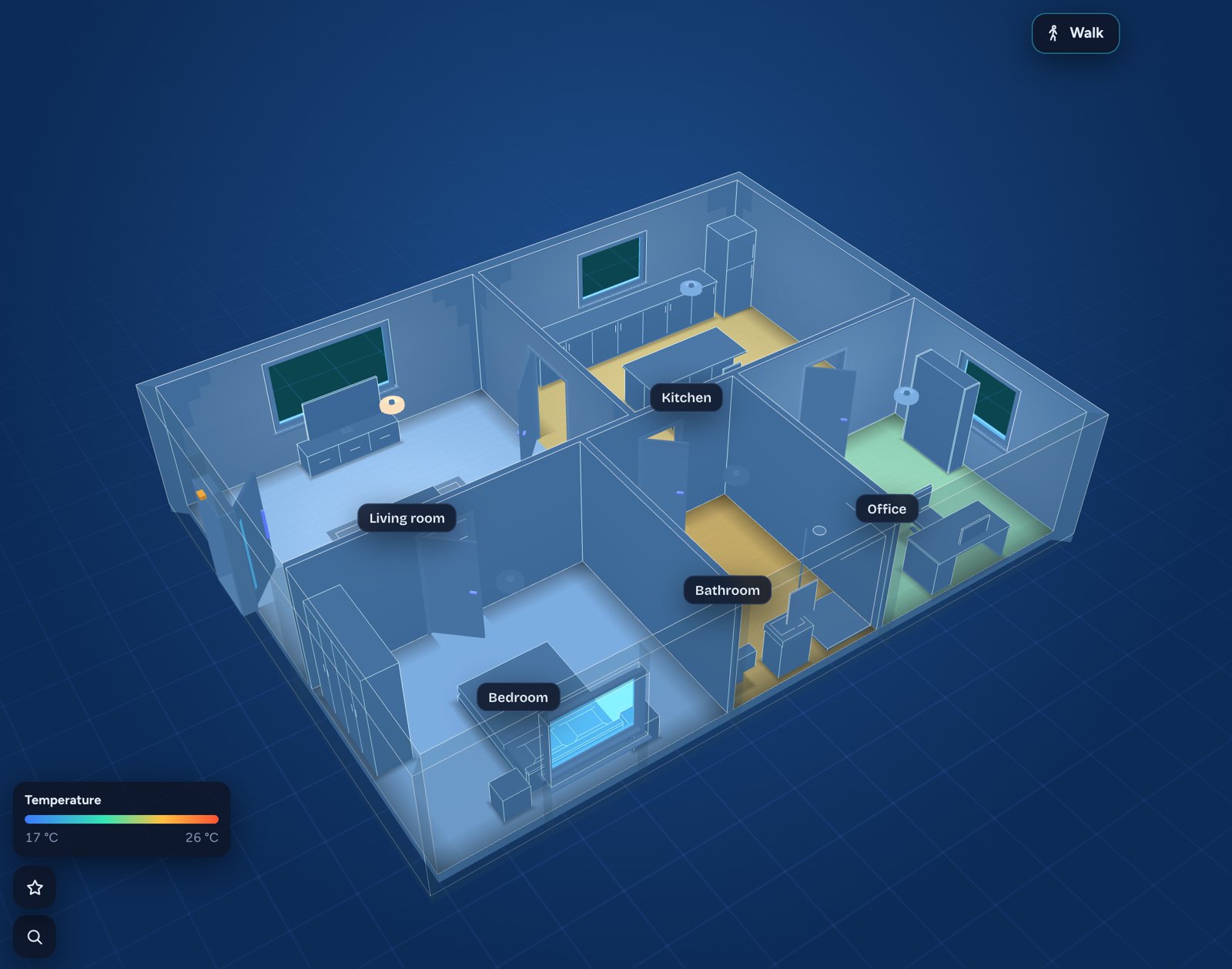
- Heatmaps for temperature, humidity and CO2.
- Cameras show their field of view and turn red while they detect motion.
- Warnings for smoke, gas, water, alarm and windows left open in the rain.
- Kiosk mode with idle return and night dimming, plus a Tablet quality level for weak devices such as older Fire tablets.
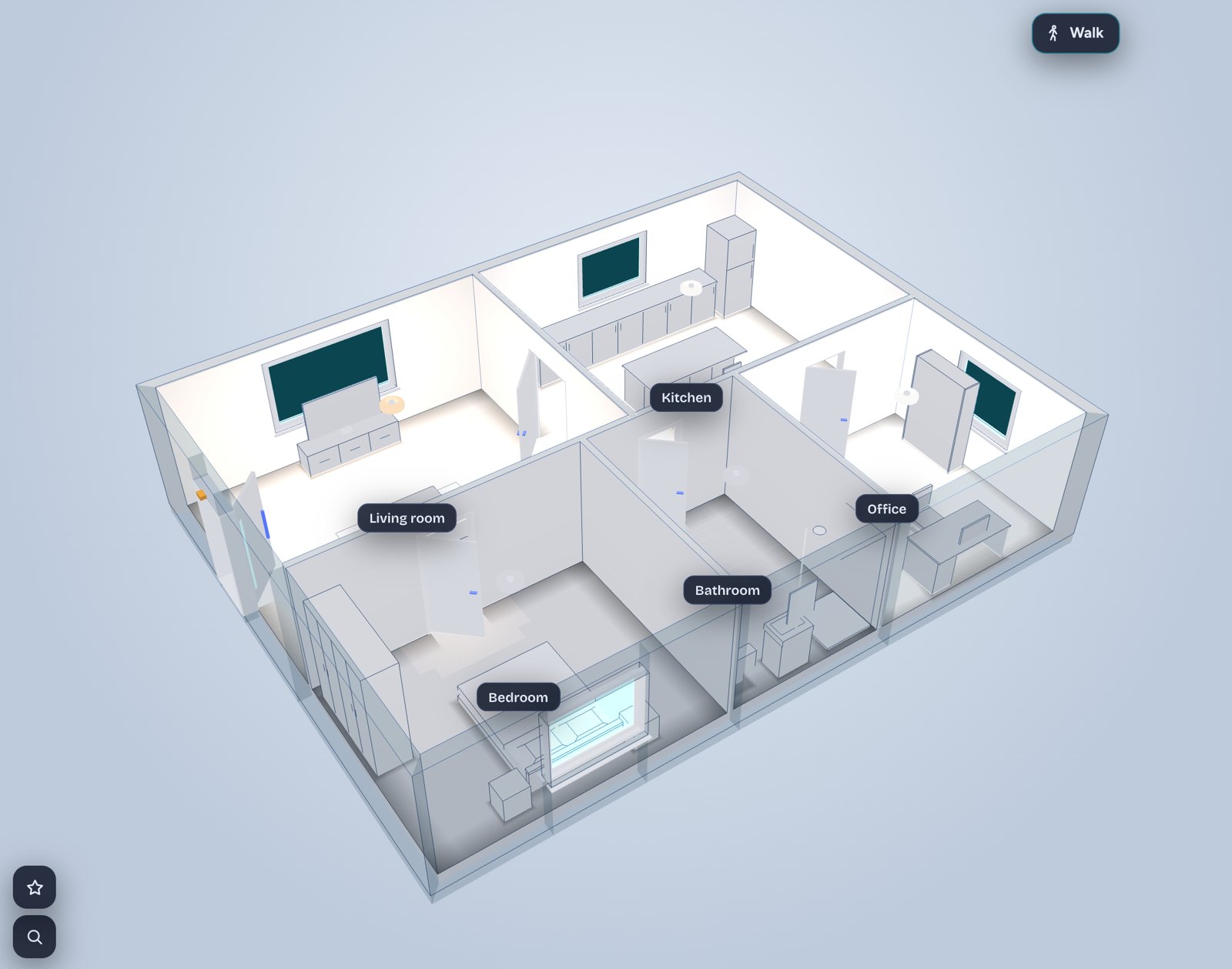
A recent update (version 1.15.0, via HACS) added a Wall View for placing furniture and wall-mounted items such as TVs at accurate heights and distances. The developer says moving doors and windows in that view comes next, followed by laying cables and pipes along walls. Those are plans, not shipped features.
Cost and privacy
The integration and the features above are free and MIT licensed. Optional furniture packs and Pro add-ons (a camera cockpit, outside weather effects, live screens for TVs) are sold separately through the developer’s shop. The project says the core features do not need them.
On privacy, the README says the plan, pictures and packs are stored in Home Assistant’s own storage and that the integration contacts the internet only if you enter a licence key. In that case it asks the developer’s server once a day for pack updates, sending the key and an anonymous installation fingerprint. If you never buy anything, that does not apply.
What to check before installing
- It is a custom integration. It installs through HACS as a custom repository for now (the developer says it is submitted to the default list). Custom code is not reviewed by Home Assistant, so make a backup first.
- Version requirement. The README says Home Assistant 2025.1 or newer.
- Area setup matters. The linking depends on your devices being assigned to the right areas. If your areas are a mess, fix that first.
- Try the online demo. It runs in the browser with invented data, so you can judge the look and the editor without installing anything.
- Old tablets. If this is for a wall tablet, test the Tablet quality level on the actual hardware.
What owners are asking
The one piece of feedback we saw was from a user who rebuilt their house in detail and found the roof editor limiting. Roof sections can only be aligned horizontally or vertically, so a polygonal bay extension was hard to model. They asked for free rotation and free-shape pitched roofs. That is a request, not a confirmed feature, and we have found no answer from the developer yet. Odd roof shapes may not model cleanly today.
Our take
This is a cosmetic and convenience layer, not a protocol or hardware change, so it does not affect your Zigbee, Matter or Z-Wave devices. Whatever you run today keeps working. If you like the idea of a 3D control panel for a hallway tablet, it is free to try and easy to remove. For installers, the interesting part is the import page, which the README says converts Sweet Home 3D, iPhone LiDAR scans, CAD files and several other formats into a plan, which could save time on client dashboards.
As with any new custom project, give it a few weeks of updates before putting it in front of a client.